Random group generator with clear sizes and draw rules
Define your entries, calculate group sizes and publish the draw rules. Worked examples cover uneven groups, tournament pots and verification.
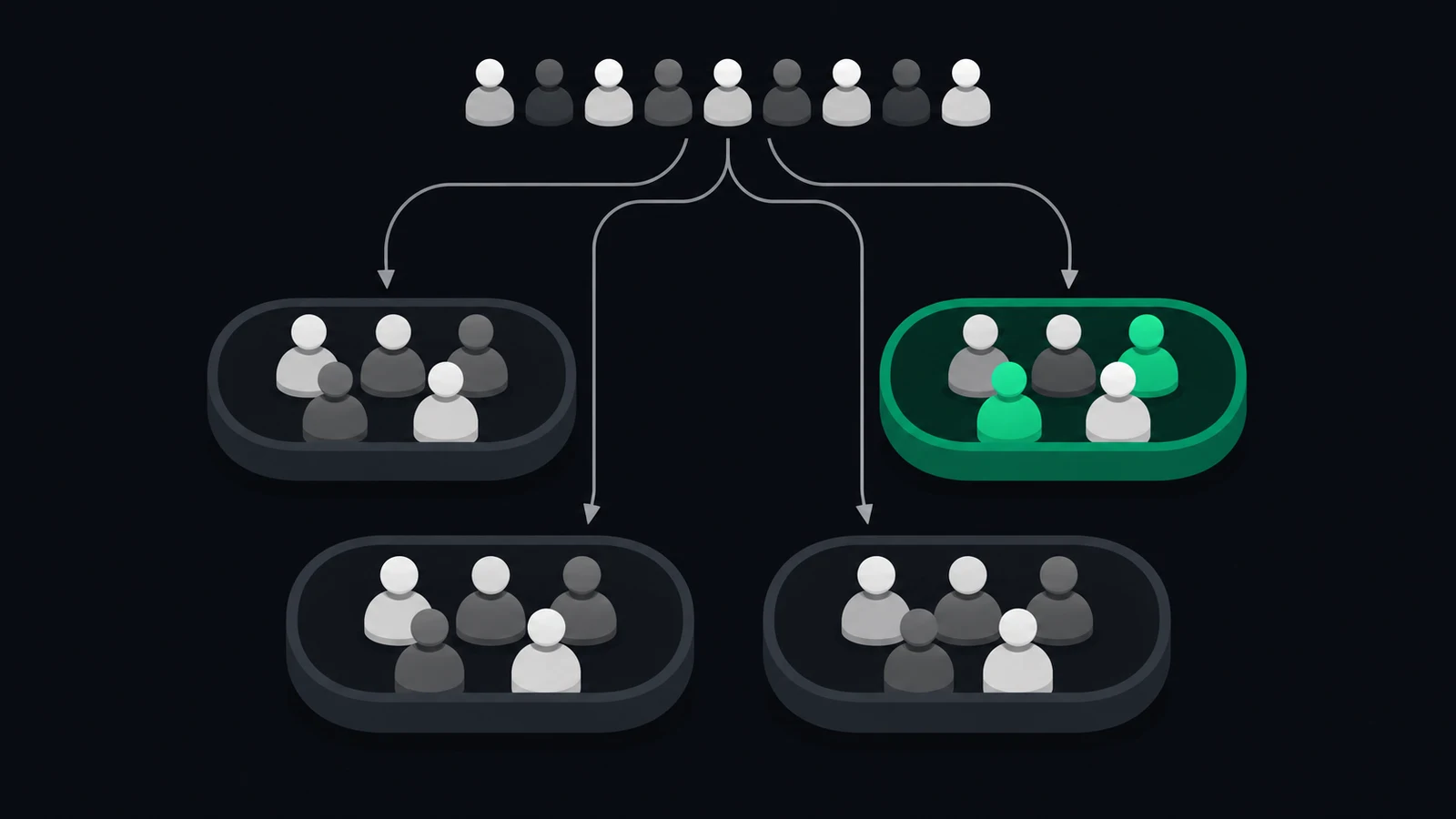
Split people or existing teams into groups with clear sizes, agreed restrictions and a result you can verify.
You have a list of names and need four groups. That sounds like a small job until somebody asks whether friends can stay together, another person arrives late and the smallest group wonders why it has less help. At a tournament, the same confusion appears when “group” means a pool of existing teams rather than a new team of individual players.
A random group generator can distribute the entries you give it. It cannot decide what an entry represents or whether a particular restriction matters for your event. Those decisions belong in the instructions before the draw.
Otherwise you end up changing the result in public while trying to explain rules nobody heard beforehand. Start with the purpose of the groups and work towards a method everyone can follow.
A useful group draw starts with a clear definition of what you are dividing.
Define → Allocate → Verify
1. Decide whether you are drawing people or teams
“Define” means naming the unit of the draw. In a workshop, each entry might be one attendee.
In a football tournament, each entry might be a complete team. Mixing those two jobs creates a result that looks tidy but answers the wrong question.
Use a short specification before entering any names. The following examples are invented planning cases, rather than a description of one tool’s features.
Different meanings of a group draw
| Situation | One entry represents | The result should show |
|---|---|---|
| Classroom activity | One pupil | Who works together |
| Company football | One player | New playing teams |
| Tournament group stage | One existing team | Opponents within each pool |
| Training stations | One participant | Starting station and rotation |
Giving eight established teams new names and splitting their individual players would destroy the tournament entries. Dividing twenty people into tournament pools without first making teams would leave nobody sure who actually plays together.
Write the specification in ordinary language: twenty participants, four working groups, five people in each. It should remain understandable without the settings screen in front of you.
For football team selection, the guide to making fair teams covers ability and playing roles. A general group draw does not automatically account for either.
Define the entries and the intended output before choosing a generator.
2. Calculate sizes and deal with the remainder
“Allocate” starts with arithmetic. Divide the number of entries by the number of groups. When the division leaves a remainder, decide where those extra entries go before the draw.
Twenty-three people in four groups gives three groups of six and one of five: 6 + 6 + 6 + 5 = 23. Four groups of six would require twenty-four people. A polished result cannot create the missing participant.
Worked examples of uneven group sizes
| Entries | Groups | Allocation |
|---|---|---|
| 12 | 3 | 4 + 4 + 4 |
| 17 | 4 | 5 + 4 + 4 + 4 |
| 23 | 4 | 6 + 6 + 6 + 5 |
| 25 | 6 | 5 + 4 + 4 + 4 + 4 + 4 |
These are worked examples with sizes differing by at most one. A tool that instead asks for maximum group size may produce a smaller final group. Check which setting you selected rather than assuming the two modes are equivalent.
Uneven numbers can affect the activity. A group of five discussing a question is different from a football team playing against six. For a sports session, agree substitutes or rotations separately from the assignment.
If the task requires pairs and somebody is left over, decide whether to create one three-person group or rotate a participant. Avoid leaving that person waiting while everybody else begins.
Check the total and explain how any extra entries will be distributed.
3. Publish restrictions before drawing
Return to “Define” whenever somebody asks for an exception. A restriction changes which assignments are allowed. Examples include keeping two facilitators apart or giving each tournament pool one team from every seeded pot.
Use restrictions only when they serve the activity. Several competing friendship requests may leave no valid allocation. Say which conditions are required and which are preferences you can drop.
Rules to agree before a group draw
- Confirm the final entry list
- State group count or maximum group size
- Identify any required separation or representation
- Agree the reason that would justify repeating the draw
- Name the person who will publish the final result
For an illustrative eight-team tournament, you might put four seeded teams in one pot and four other teams in another. Draw one from each pot into each of four pools. That defines the composition, but it does not make every possible unrestricted grouping available.
Don’t invent seeding after seeing an inconvenient result. If the aim is simply to mix people, an unrestricted draw may be easier to explain. If the aim is balanced sporting competition, publish the basis for the pots.
Every required condition belongs in the instructions before the first assignment.
4. Verify the names and save one final version
“Verify” means checking the output against the original list. Count the entries, look for duplicates and confirm that every person or team appears exactly once. Repeat this check after any manual change.
Names need enough detail to distinguish people, but not unrelated personal information. A first name and surname initial may be enough for your session. Read the chosen tool’s privacy information before pasting details you would not want disclosed.
Here is an invented message for sharing the agreed result:
The final list has 23 people in four groups of 6, 6, 6 and 5. Each name appears once.
We’re keeping this draw unless the attendance list changes. Please check your group before the activity starts.
Keep a copy of the input and the accepted output. If a late participant changes the total, you can explain what changed rather than posting an unrelated new draw without context.
For a football session, attendance changes also affect the booking and cost split. The guide to handling late withdrawals helps you decide when the roster should close and what happens afterwards.
Verify the result against the input and give everyone the same final version.
5. Separate the group draw from the event schedule
“Allocate” tells people where they belong. It does not tell them when to play, which station to visit next or who records the result. Add those instructions after the membership of each group is settled.
With four tournament pools of two teams, each pool contains one unique pairing. Four pools therefore mean four group matches if every pair meets once. A later knockout stage adds matches and needs its own schedule.
For a workshop, specify where each group starts and how it moves. For football, specify pitch use, round length and waiting order. Reusing the same word “group” should not hide the different instructions each activity needs.
In SpinMyTeam, a regular amateur football group can manage match registrations and prepare two rating-based line-ups. Use a separate group-draw tool when you need classroom groups, workshop allocation or tournament pots.
That distinction keeps your tool choice tied to the actual task. It also avoids asking players to register for an ongoing sports group when all you need is a one-off assignment of names.
Before the event starts, ask one participant to read the result and explain what they should do next. If they can identify their group but not their place or start time, finish the instructions before distributing more links.
Complete the draw with the practical instructions each group needs to begin.
Random group generator checks before sharing
- Define whether each entry is a person or an existing team
- Skip restrictions that have no purpose in the activity
- Verify the total, missing entries and any agreed conditions
What are you drawing most often: football teams, tournament pools or groups for another activity?