Random team generator from player list to checked line-ups
Prepare a player list, choose random or rating-based selection and check every name. Worked examples cover team sizes, goalkeepers and late changes.
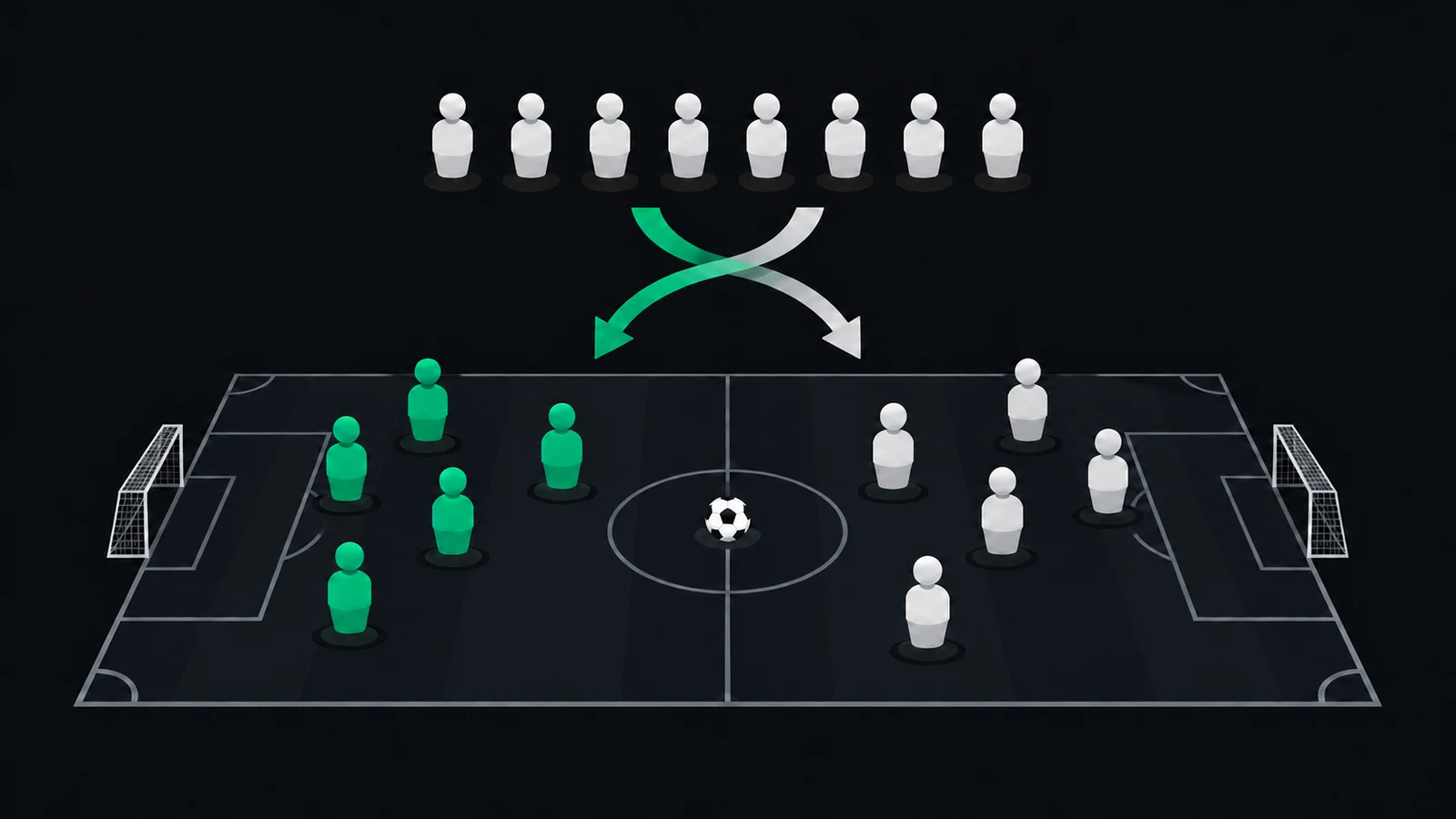
Prepare a player list, choose a way to split it and check the teams before sharing the result.
Ten names, two colours of bibs and one question: who plays together? You can draw slips from a bag or enter everyone into a random team generator.
Either approach produces an answer quickly. Only afterwards do you notice that both goalkeepers are on the same side, facing a team that includes everyone attending for the first time.
I organise a Friday indoor football group, and choosing teams used to sit alongside collecting sign-ups and chasing payments. Moving names from a chat into a generator doesn’t settle the decisions behind the draw. You still need to agree whether you want an unrestricted random split or a more competitive match.
Both are reasonable aims. The useful moment to choose is before anybody sees their team and asks you to try again.
Agree what the draw should do before you find out which bib you’re wearing.
List → Method → Check
1. Start with the people who are actually playing
The “List” stage removes mistakes a generator cannot recognise. Include confirmed players for this particular match, with one person on each line. Leave the waiting list out until a place becomes available.
Distinguish players who share a first name using an initial. Check whether a nickname and a full name refer to the same person. Removing identical lines won’t catch someone listed as both “Michael K” and “Mikey”.
Player list before the draw
- Count the confirmed players
- Distinguish repeated first names
- Remove anybody who has withdrawn
- Agree whether the total includes goalkeepers and substitutes
For five-a-side, ten players fill the pitch. Twelve could mean one substitute on each side, if that is your arrangement. The generator should follow that decision rather than make it for you.
When someone brings a friend, update the match list first. Then change the teams. Otherwise the extra person may appear in a message about bibs but disappear when you split the pitch bill.
Read more about organising your weekly match if your group still has several competing versions of the attendance list. A tidy draw cannot repair uncertain sign-ups.
Use one current list that you can count and verify.
2. Choose random teams or balanced teams
The “Method” stage defines what you expect from the result. A random split distributes names without assessing how people play. A balanced team generator uses extra information, such as player ratings, to reduce a difference between the sides.
Equal numbers don’t establish equal strength. If the strongest players all land together, the random draw may have worked correctly while producing an unattractive match. Calling the button “fair teams” doesn’t change what was calculated.
Three ways to divide the same players
| Method | Information needed | What to inspect afterwards |
|---|---|---|
| Unrestricted random draw | Names and number of teams | Complete list and team sizes |
| Rating-based balance | Names and player ratings | Sizes, rating difference and roles |
| Draw from pots | Names divided by an agreed characteristic | Representation from the relevant pots |
For a one-off social event, mixing up friendship groups may be enough. In a weekly football group, you may care more about both sides having somebody who can build an attack and somebody willing to go in goal.
Declare restrictions in advance. If two regular goalkeepers must be separated, say so before the draw. You can still randomise the remaining places within that agreed condition.
Choose the method for the match you want, and explain its limits.
3. Calculate team sizes before pressing generate
Return to “List” before setting the number of teams. Twelve players can form two sides of six or three sides of four. Those choices use the pitch, substitutes and booking time differently.
These are planning examples. They don’t describe automatic settings in SpinMyTeam or a universal recommendation for your pitch.
Illustrative team sizes for different player totals
| Players | Teams | Split |
|---|---|---|
| 10 | 2 | 5 + 5 |
| 11 | 2 | 6 + 5 |
| 12 | 2 | 6 + 6 |
| 12 | 3 | 4 + 4 + 4 |
| 14 | 3 | 5 + 5 + 4 |
Eleven people cannot make two equally sized teams. Agree a shared substitute or a rotation instead of leaving one side with an extra outfield player for the whole match.
With three teams, settle round length and waiting order too. A draw cannot tell you whether a draw on the scoreboard means both sides leave the pitch or one stays on. That decision belongs before the first goal.
Check the tool’s scope. A two-team generator may have no support for three teams, seeded pots or a fixture schedule. Don’t assume that every product using the word “generator” handles the same job.
Choose team sizes that fit your pitch and a rotation you can run.
4. Check a complete worked draw
“Check” begins with names. Each person from the input list should appear exactly once. Then inspect team sizes, goalkeepers and the restrictions you agreed before the draw.
Here is an invented example involving ten players. Letters identify people, and the split illustrates the checks. It is not a test result from any particular application.
Invented random draw for ten players
| Team | Players | Total |
|---|---|---|
| Greens | A, D, F, H, J | 5 |
| Whites | B, C, E, G, I | 5 |
Five plus five accounts for all ten people. Every letter from A to J appears once.
We still know nothing about either side’s ability or who will keep goal. This example establishes only that the players have been assigned completely.
A rating-based split adds another check. Compare the rating totals, then look at roles. The guide to building fair football teams works through a manual method, although equal totals still cannot guarantee a draw on the scoreboard.
If someone is missing, correct the input. If somebody simply dislikes their team-mates, use the rule you agreed in advance. Repeatedly drawing until a particular player approves gives that person influence over everyone else’s assignment.
Treat an incorrect list and disappointment with a valid result as different problems.
5. Generate football teams from the match roster
For a regular group, copying names into a separate tool can create another list to maintain. “List → Method → Check” is easier to follow when the input comes from confirmed registrations for the match itself.
In SpinMyTeam, an administrator or moderator can prepare two teams from confirmed participants and player ratings, inspect the split and approve the composition for the group.
That is rating-based team selection within a match. It is not an anonymous tool for pasting an arbitrary list of names.
Don’t assume it automatically understands positions either. You still need to check who is willing to keep goal.
If someone withdraws or a new person joins, check whether the approved teams remain current. A saved composition can outlast the roster it was based on. Return to the list and prepare a fresh split when needed.
Share one approved result rather than several screenshots of different attempts. Team names and participants are enough for players to know where they belong. The individual ratings used to prepare the sides aren’t needed in the organising message.
Before leaving the process, make sure any agreed manual swap appears in the final version. A change discussed in chat can otherwise leave two people expecting the same bib and the rest following an older list.
For regular football, draw from the match roster and recheck after attendance changes.
Random team generator checks for your next match
- Start with confirmed players and choose random or rating-based selection
- Skip repeated draws made only to satisfy one player
- Check names, sizes and goalkeepers before sharing the result
What most often makes your group change its teams: late attendance changes, goalkeepers or a difference in ability?